

Article · part of a guide
New Feature: Deploy Terraform Modules From A Service Catalog
A new Scalr feature lets you build a catalog of Terraform modules and deploy workspaces straight from it.

Problem
Driving standards in Terraform codebases is hard. Existing work isn't always easy to find, and it's all too easy to Google and copy-paste a new module instead. Helping people who don't know Terraform well is harder still. Here are the problems we hear most often:
- It's hard to standardize on approved modules if you have no control mechanism, no search, and no discoverability.
- Not all users are familiar with Terraform and correct module usage.
- Even if users are familiar with modules, it's not always necessary to copy and paste into their own code if they just need to deploy something quickly.
- Developers shouldn't spend time writing code when an organizational standard already exists.
If you don't maintain the right standards early on as you adopt Terraform, it's easy to end up with an unmaintainable mess, and it gets messier fast.
Solution
The module registry has been a feature in Scalr for quite some time. We've now added the ability to deploy workspaces directly from the catalog of modules. With workspaces sourced from the module registry, end users can deploy approved Terraform modules in a few clicks, whether or not they know Terraform. Here's the workflow:
- Admins create module namespaces at the account scope and choose whether each namespace is shared with the entire account or only a select set of environments.
- End users create a workspace by selecting the module and version. They're prompted to set variables if required, and then they can execute a run.
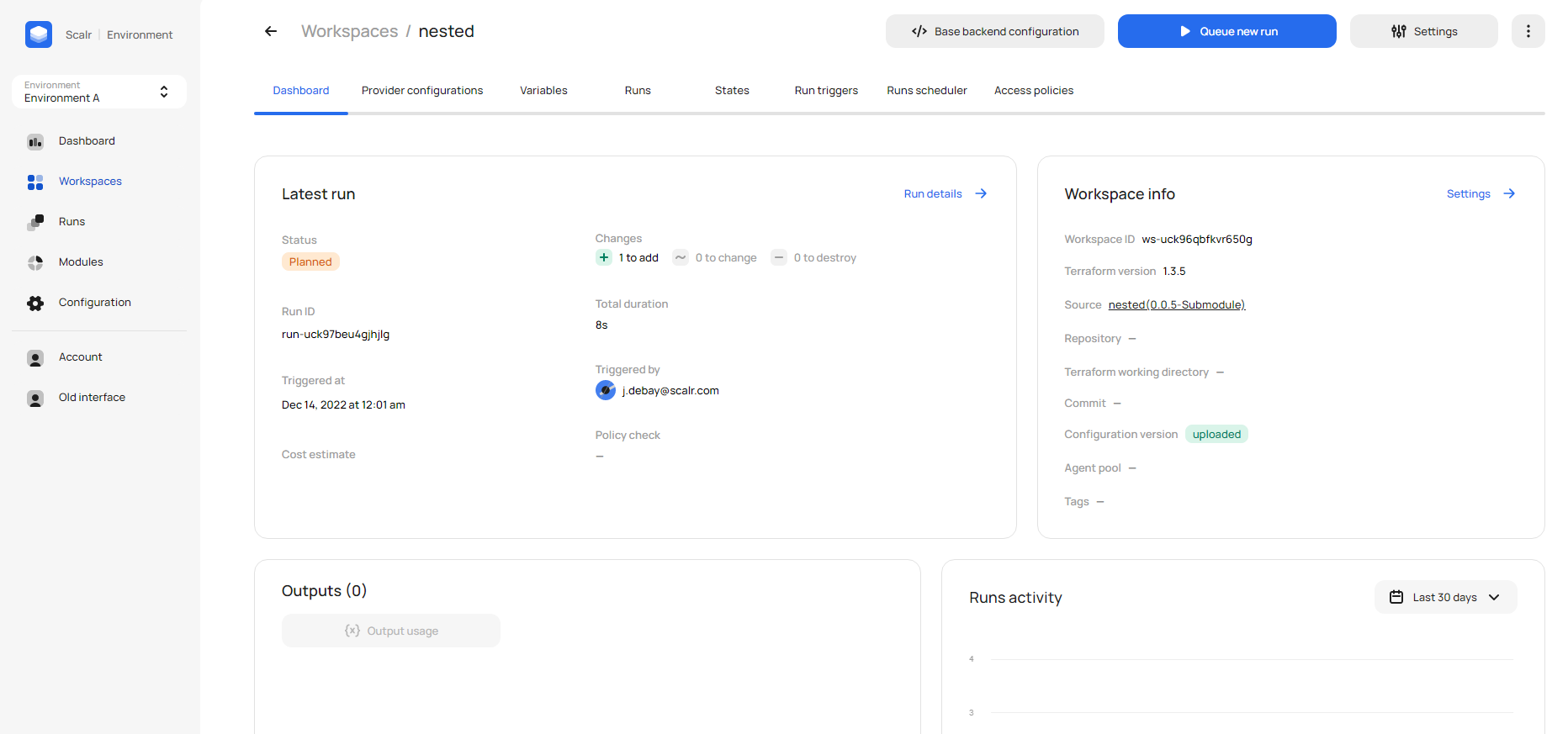
Any user can deploy modules directly from the Scalr UI, which helps DevOps leaders drive standardization.
How to Get Started
To try this feature out, you'll first need to publish a module in the registry. Once the module is published, create a new workspace and select module as the source:
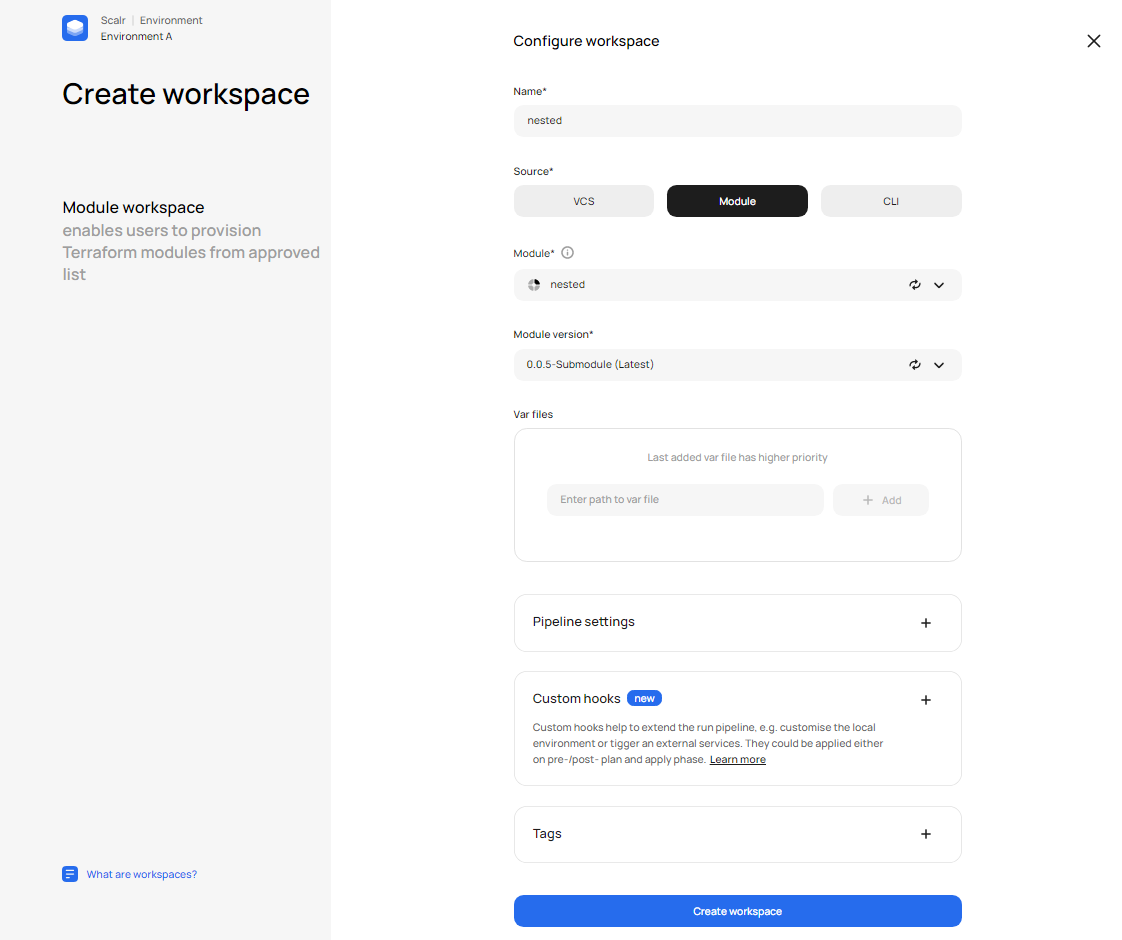
Log in to try it out for yourself and learn more in the docs or video which walks through the set up.
About the author

director of platform engineering at Scalr
Ryan Fee is the director of platform engineering at Scalr, with over 15 years of experience improving infrastructure experiences at companies large and small.
Part of this guide
13 sheets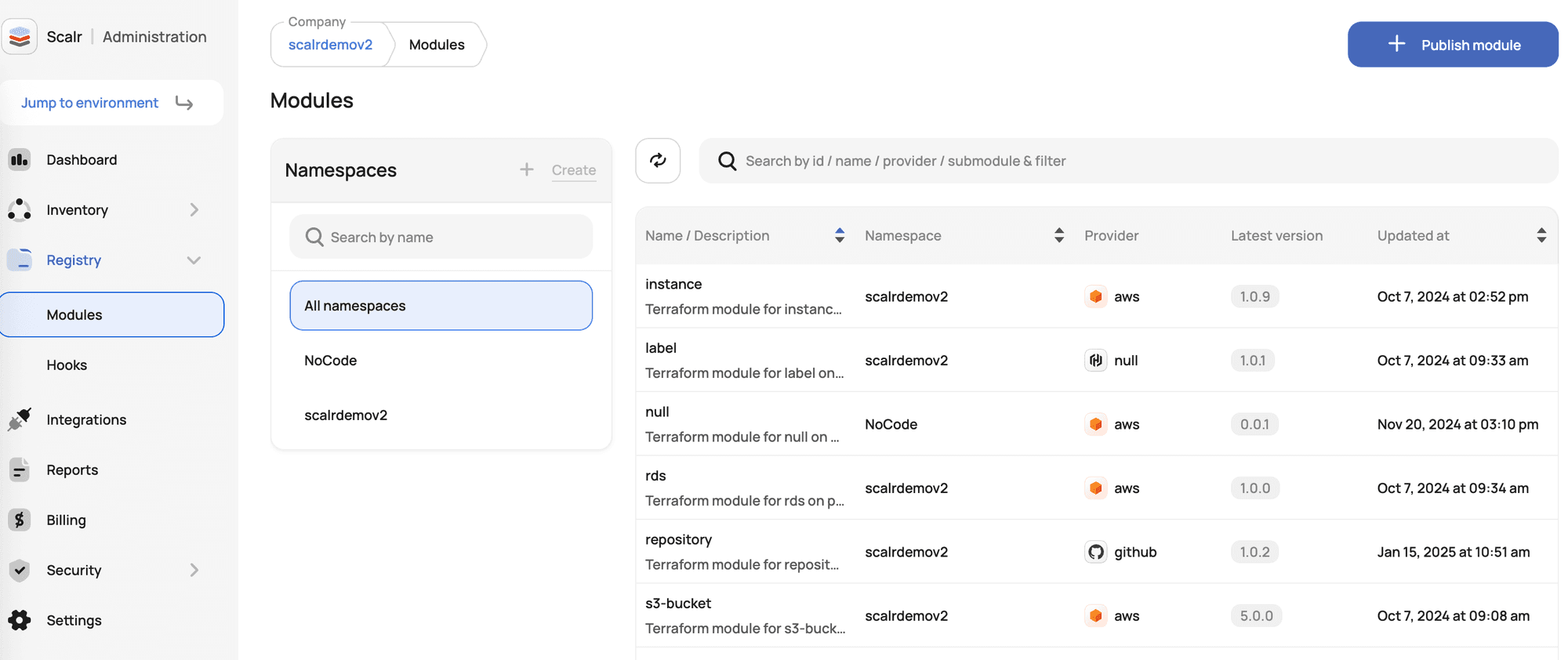
Terraform Modules Explained
- Terraform Registry: Public vs Private Module Registries Explained
- New Feature: Private Module Registry Namespaces
- Top 10 Most Popular Terraform Modules [2026]
- Dependabot for Terraform Modules: The Complete Setup Guide
- Use local execution mode for free with Scalr
- Scaling Terraform Modules
- Scalr offers a free private module registry
- Terraform Modules - Define, Enforce, Report
- Don't Build a Service Catalog
- Getting Started with Terraform Modules
- Terraform Credential Helper With Scalr