

Article
New Scalr Feature: Control Tower
Scalr Control Tower rolls billing for all your Scalr accounts into one bill, with usage visibility across every linked account.
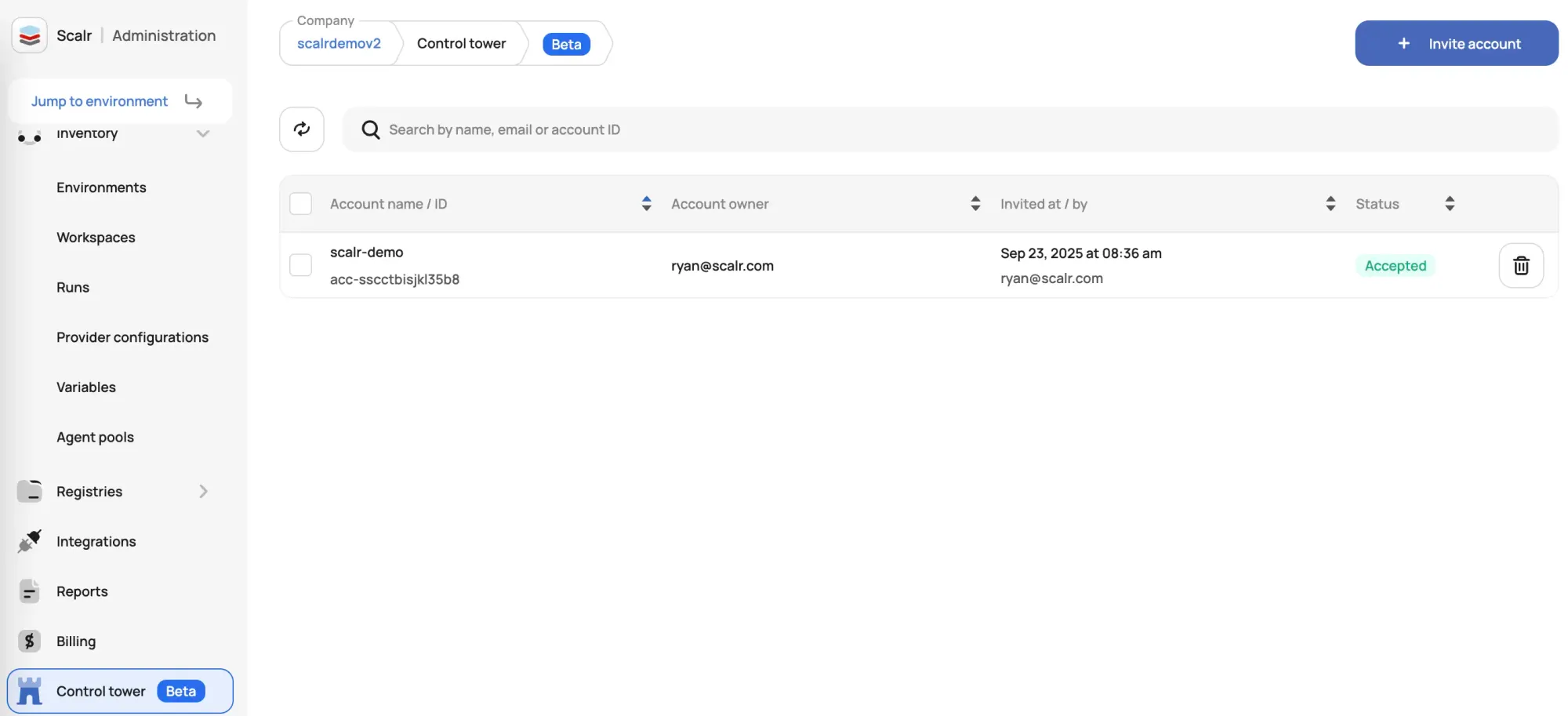
Enterprises that run Terraform and OpenTofu on Scalr often end up with several separate, isolated Scalr accounts: one per business unit, environment, or project. That isolation keeps teams autonomous and their work walled off from each other, but it used to make billing a chore. Every account meant its own invoice.
Control Tower is a new Scalr feature that fixes the billing side of this. It gives the account administrator one consolidated bill across multiple Scalr accounts, while the accounts themselves stay separate.
What is Scalr Control Tower?
Scalr Control Tower is a billing layer that sits above your Scalr accounts. It lets an administrator link multiple, independently-operating Scalr accounts (your Child Accounts) under a single Parent Account so the billing rolls up into one place.
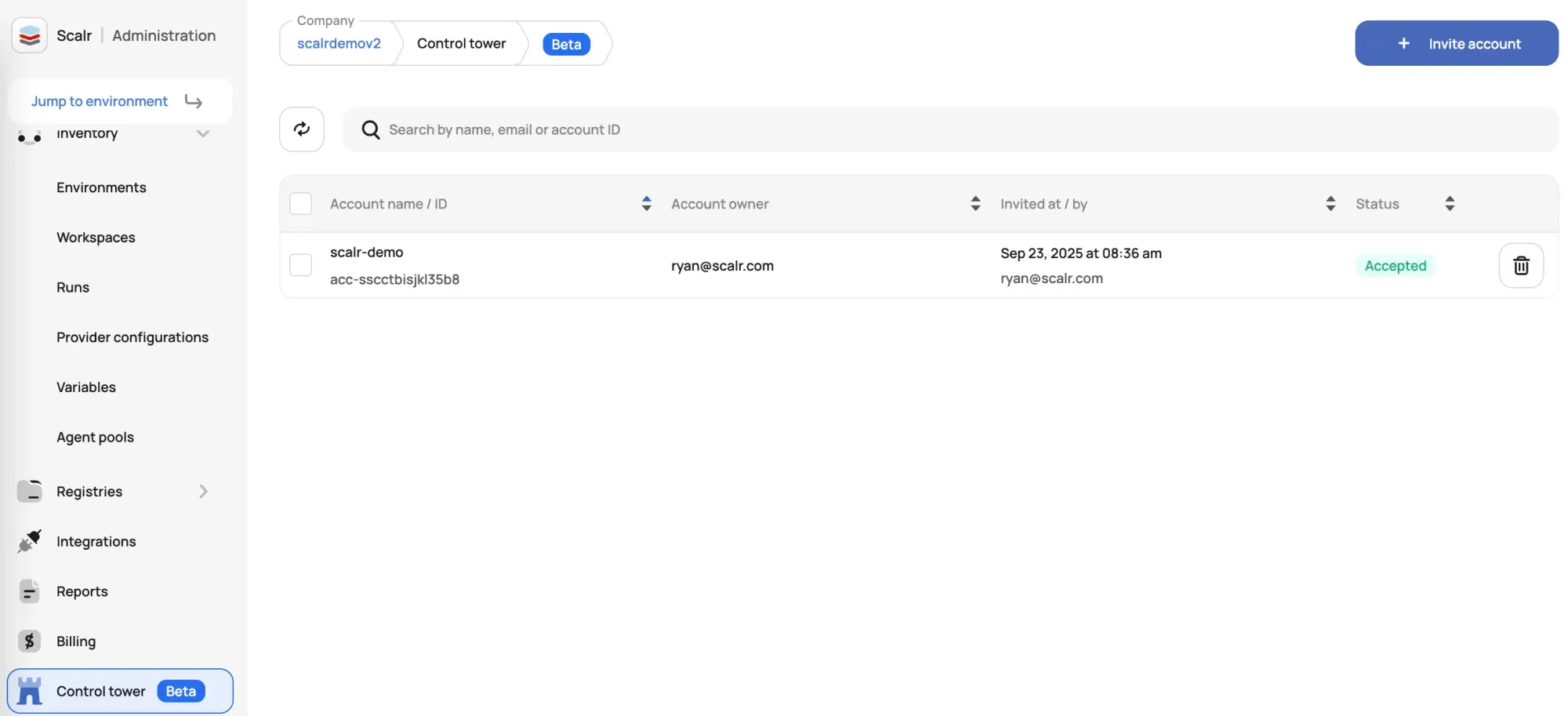
This suits organizations with decentralized teams on separate Scalr instances that still want one place to handle finances. Teams keep their separation of duties while finance deals with a single bill.
Key Benefits of Scalr Control Tower
Here's what Control Tower changes for billing and oversight:
- Consolidated Billing: All usage charges are aggregated into one bill issued to the Parent Account, eliminating separate invoices. This reduces administrative overhead and simplifies expense tracking.
- Centralized Financial Visibility: Get a clear, unified view of IaC usage across your entire organization. The Parent Account gives you oversight into usage data across all linked Child Accounts, so you can track consumption and manage budgets more effectively.
- Decentralized Operations, Centralized Finance: Let your business units and project teams operate autonomously while adhering to a unified, top-level financial structure.
- Simple Onboarding: The Parent Account sends an invitation, the Child Account reviews and approves it, and once validated, the Child Account's billing is consolidated into the Parent Account's bill.
Getting Started
If you want to consolidate your billing, the Scalr documentation covers how to set up your Parent Account and bring child accounts under it. Current plans and the run calculator are on the pricing page.
Learn More: Visit the Scalr Documentation on Control Tower for a step-by-step guide to setup and requirements.
About the author

director of platform engineering at Scalr
Ryan Fee is the director of platform engineering at Scalr, with over 15 years of experience improving infrastructure experiences at companies large and small.