

Use Run Scheduler to automatically kick off runs
The Scalr scheduler automatically kick off runs without the need for manual intervention or scripting.

We hope everyone had a great holiday season and we wanted to start the new year out with a new feature! Starting today, you can set schedules for your Terraform applies. The scheduler will automatically kick off runs without the need for manual intervention or scripting.
There is always a need to schedule when resources get deployed. Maybe you spin a development environment up in the morning and down at night to save money, or you have a maintenance window that has to run at a fixed time. Terraform makes creating those resources easy, which only raises the demand for scheduling the work around them. You could script it by calling the API or CLI, but that means maintaining extra code on top of the Terraform you already wrote.
That is what the Scalr run scheduler is for.
The run scheduler triggers a Terraform apply on a daily schedule, on set days and times each week, or by a cron schedule.
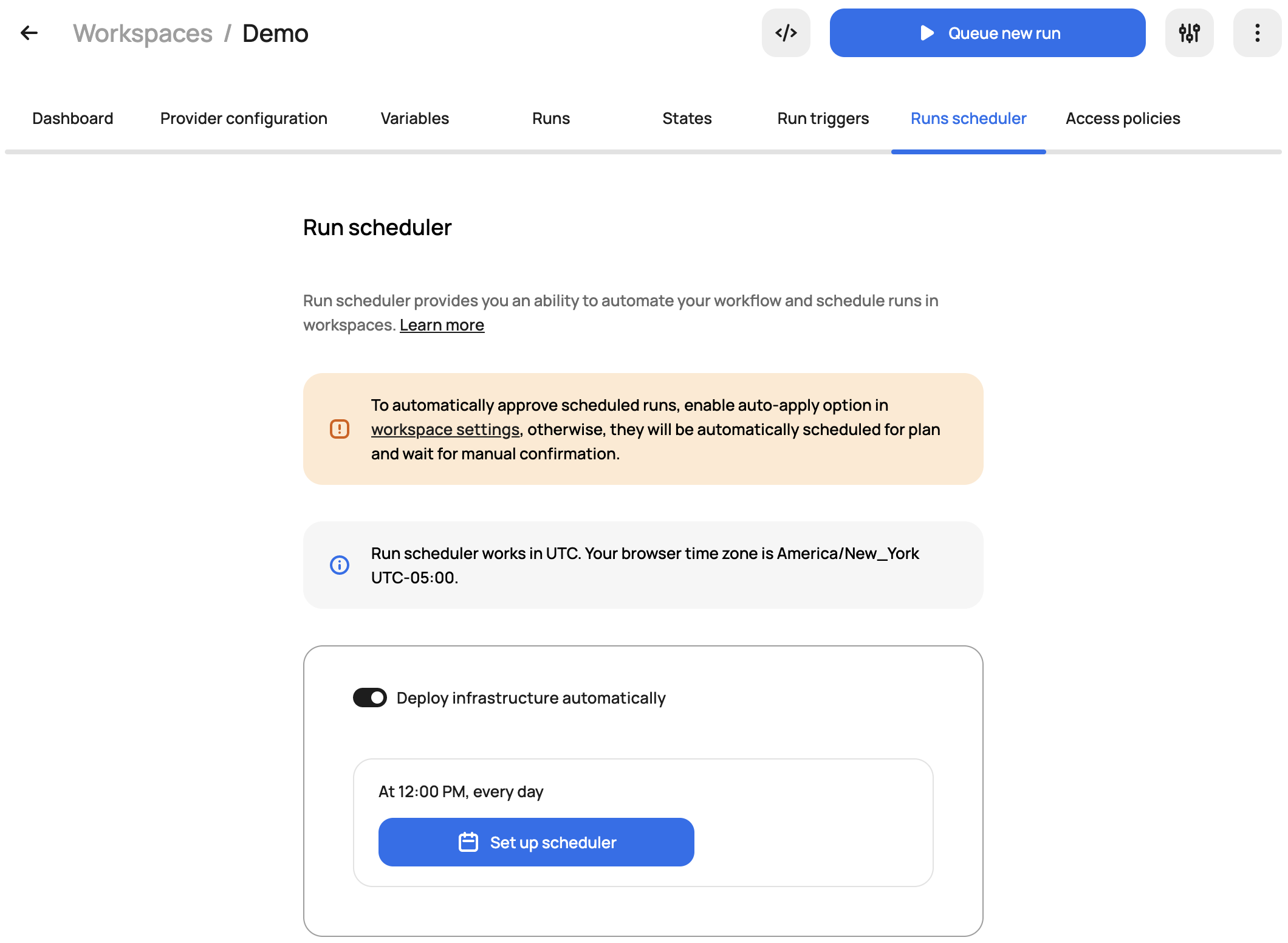
The scheduler is easy to use. Just add the schedule to a workspace and the runs will automatically trigger when it is time. If the workspace has auto-approval enabled, the run will automatically apply, if auto-approval is not set the plan will be triggered, but the apply will wait for a manual approval. All schedules are based on the UTC timezone, be sure to take that into account when creating the schedule.
Getting started is easy. The run scheduler is available for everyone! Simply go to one of your workspaces and add the schedule.
See the full documentation here.