

New Feature: Custom Hooks
The custom hooks feature makes it easy to customize your Terraform workflow while using Scalr as the remote backend.

We're happy to announce custom hooks that make it easier to customize your Terraform workflow while using Scalr as the remote backend.
Scalr already helps you automate and collaborate with your colleagues. But teams run Terraform in different ways, and the standard remote workflow doesn't always fit. Custom hooks, now available inside workspaces, give you a place to slot in your own steps.
Problem
Most people run Terraform from their laptop, or somewhere they can set up the runtime environment however they like. Run it in a remote backend and you're stuck with whatever is already installed there. Until now.
Solution
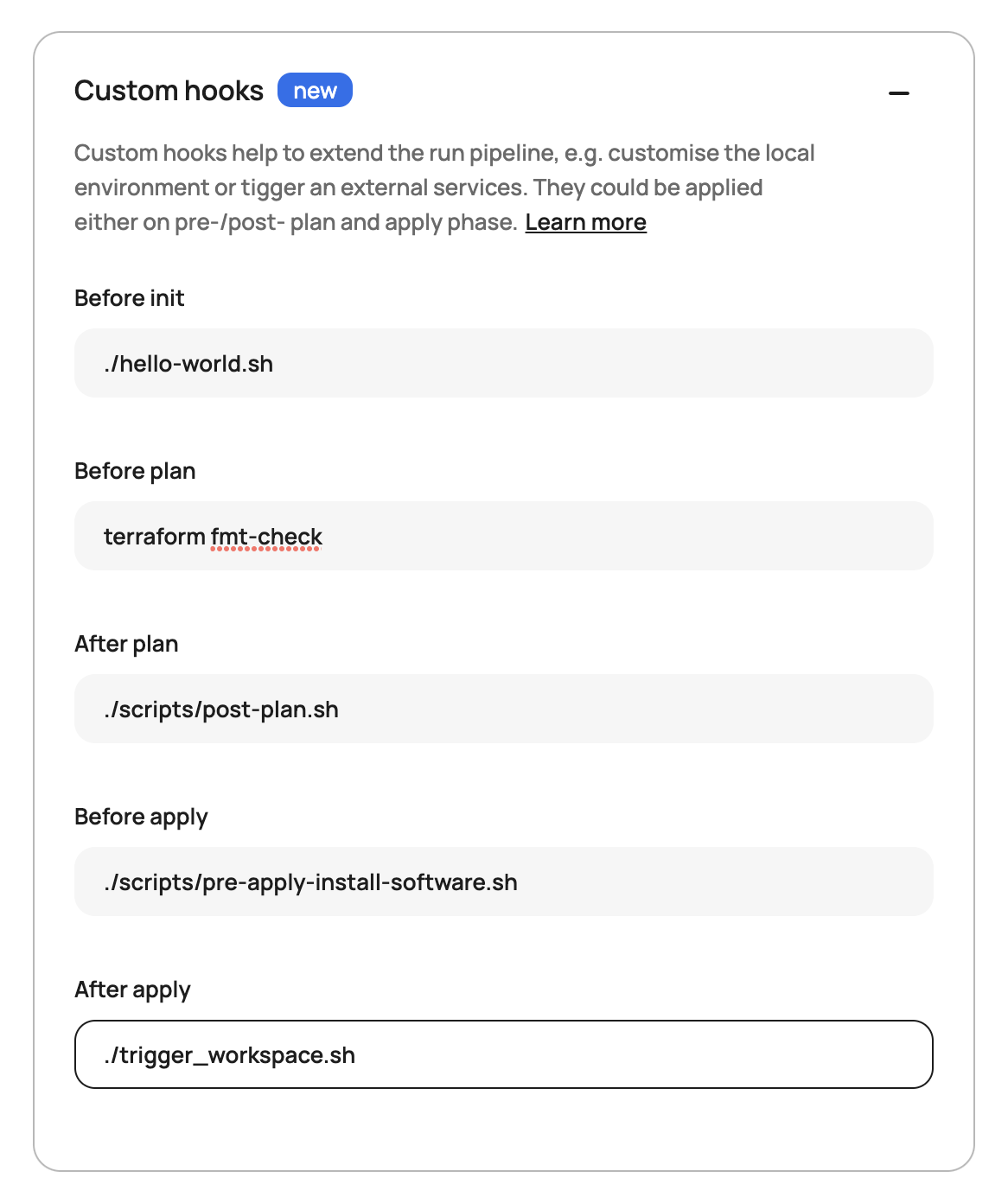
Custom hooks allow you to execute any command you would normally run in a Linux command line at five phases of the run: pre-init, pre-plan, post-plan, pre-apply, and post-apply. Common use cases are:
- Executing tools (tflint, checkov, etc) before a plan to run lint or security tests
- Pulling the plan JSON and uploading it to a third party system
- Install software needed as part of your Terraform run before the plan or apply
- Triggering API calls to a third party (Slack, Teams, etc) after the run has successfully completed.
Here is what it looks like in the workspace settings:
How to Get Started
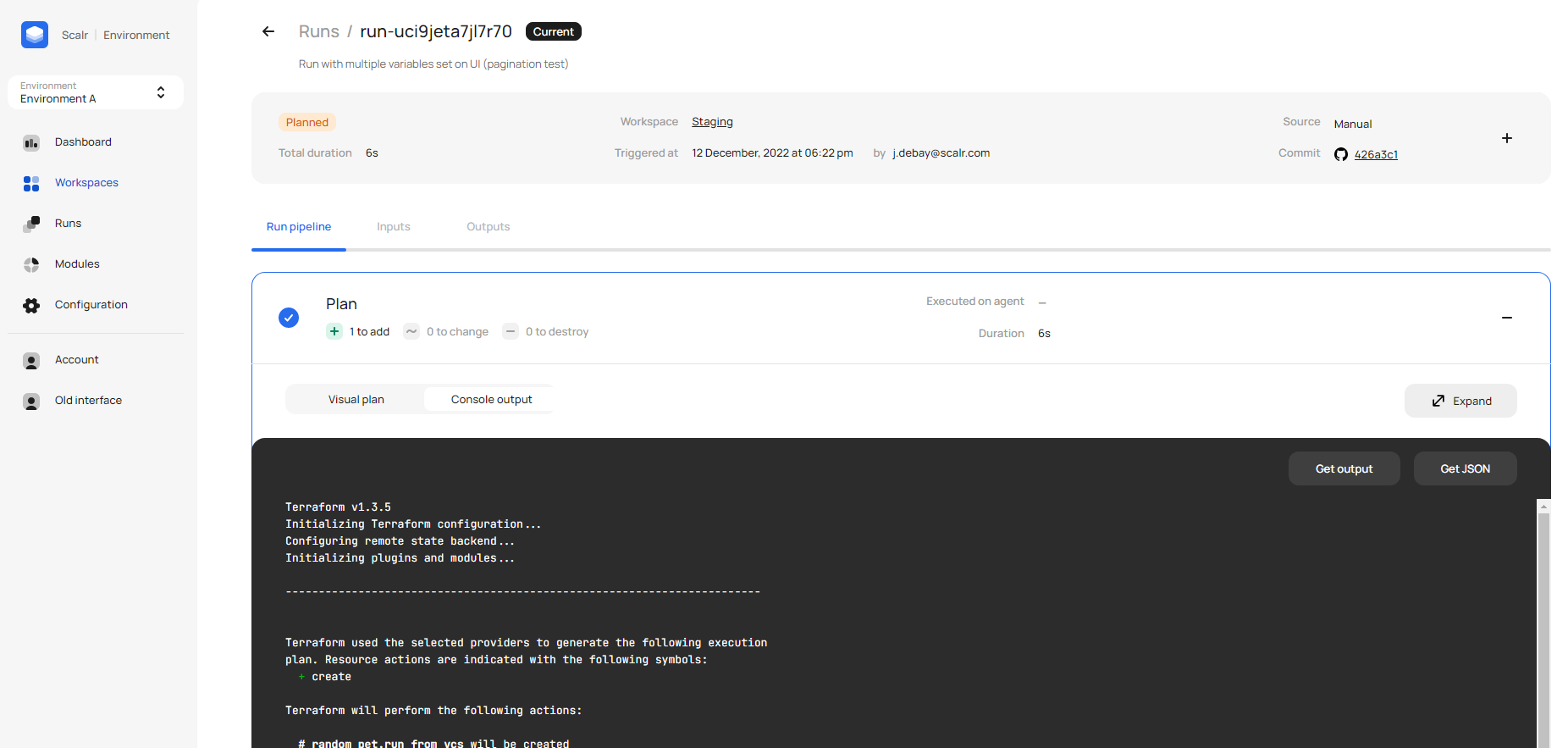
To try the hooks out, go to the settings of any one of your workspaces where you will find the custom hooks section. As seen in the screenshot above, just enter in your standard commands, which are passed to the runtime environment and executed as part of the run. The output can be found in the plan and apply output:
Built-in Variable: SCALR_RUN_IS_DESTROY
As of July 2023, Scalr added a new built-in variable that can be used with Custom Hooks: SCALR_RUN_IS_DESTROY. This variable allows you to incorporate logic into your custom hook scripts, enabling you to differentiate between Terraform apply and Terraform destroy operations.
How does it work? By analyzing the return code, you can determine the nature of the run:
- A return code of 1 means the run is a Terraform destroy.
- A return code of 0 indicates a Terraform apply.
So your hook scripts can do the right thing at the right time. For example, you might skip certain post-apply notifications when a destroy is running, or trigger a cleanup script only on destroy operations.
Put together, Custom Hooks and SCALR_RUN_IS_DESTROY let you automate the work around a run and tailor it to the environment or the operation type, so nobody has to step in by hand.
Log in to try it out for yourself and check out more examples in the docs.